Mobile
Getting Started
-
Install Flutter from the official Website. The current development version is
3.32.4 -
Install a IDE for flutter Development. Recommended IDEs are VS Code or Android Studio.
Running the app
The app can run on an iOS Sumulator or Android Emulator
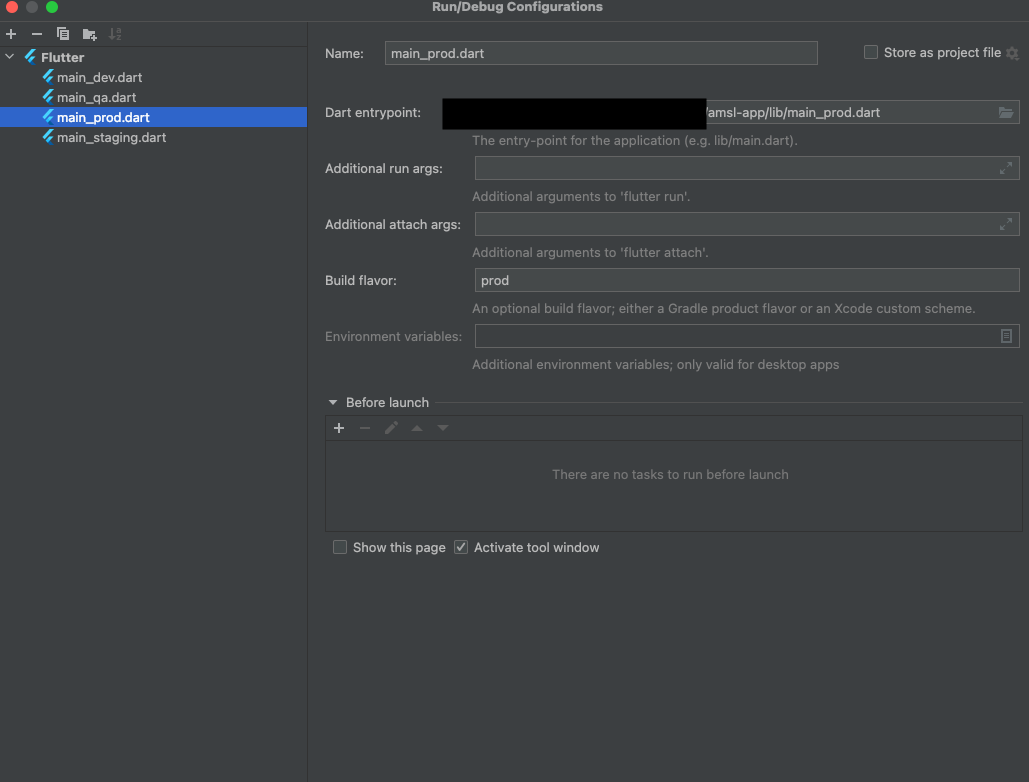
Use the flavor dependent main files
From the command line:
flutter run --flavor dev lib/main_dev.dart
From Android Studio